ROXY-CAM video tutorials

Short training videos. Click "Download" to save a local copy (MP4).

Introduction

PROJECT START
4:16
PROJECT START
How to define everything a new project needs
4 min 16 s 12.2 MB
↓ Download
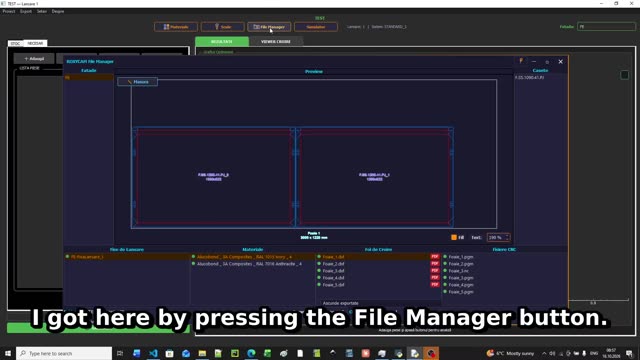
Production Launch Sheets in Excel
0:55
Production Launch Sheets in Excel
Where the production launch sheets are saved and how I can open them from the File Manager.
55 s 3.1 MB
↓ Download
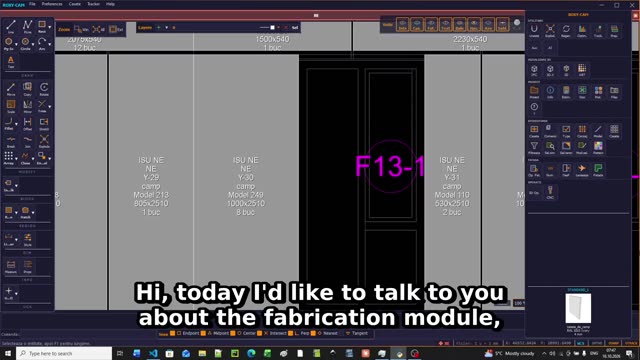
ROXY-FABRICATION
15:10
ROXY-FABRICATION
Standalone module for launching into production. It requires the procedure shown in the LAYER MAP video.
15 min 10 s 49.8 MB
↓ Download
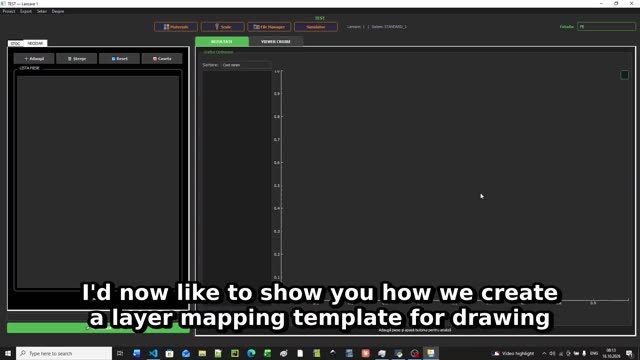
IMPORTING VARIOUS FILES
3:30
IMPORTING VARIOUS FILES
How I create a conversion template for files produced by other designers or with other applications
3 min 30 s 10.3 MB
↓ Download
From IFC to the facade plan. 3D->2D and back
3:25
From IFC to the facade plan. 3D->2D and back
How I import an IFC file from the architect and how I extract the facade data I need
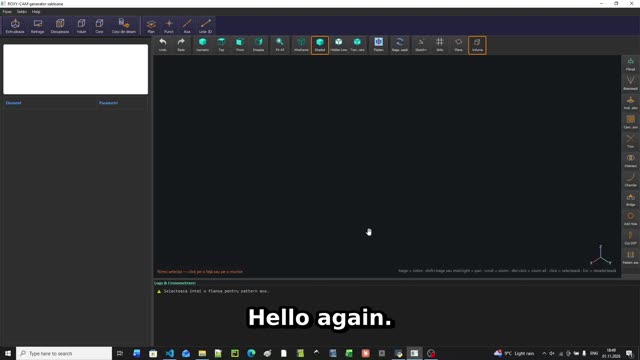
3 min 25 s 19.3 MB
↓ Download

Extract & templates

Simple cassette
3:57
Simple cassette
How I create a template for a simple cassette. This option is used for classic cassettes without complex three-dimensional geometry.
3 min 57 s 14.3 MB
↓ Download
Templates from PDF with the AI assistant
6:57
Templates from PDF with the AI assistant
How we generate a cassette starting from a plan view and a side view of a block of cassettes. Input file in PDF format.
6 min 57 s 28.1 MB
↓ Download

Cassettes & flat patterns

Flat pattern template with the AI assistant
4:36
Flat pattern template with the AI assistant
Especially with complex shapes, it is useful to call on the AI assistant so we don't have to draw with the tools of the ROXY-CAM 3D template generator. Starting from a hand sketch or a PDF file, the assistant generates the body with its basic 3D geometry.
4 min 36 s 17.4 MB
↓ Download

Data organization

File structure and management in ROXY-CAM
PDF · 8 pages
File structure and management in ROXY-CAM
How files are organized: the CLIENTI_ROXY-CAM folder, client - job - facade, releases, File Manager and moving a job to another computer.
PDF · 8 pages 519.0 KB
Open
If the video does not play in the browser, use Download and play it with VLC.